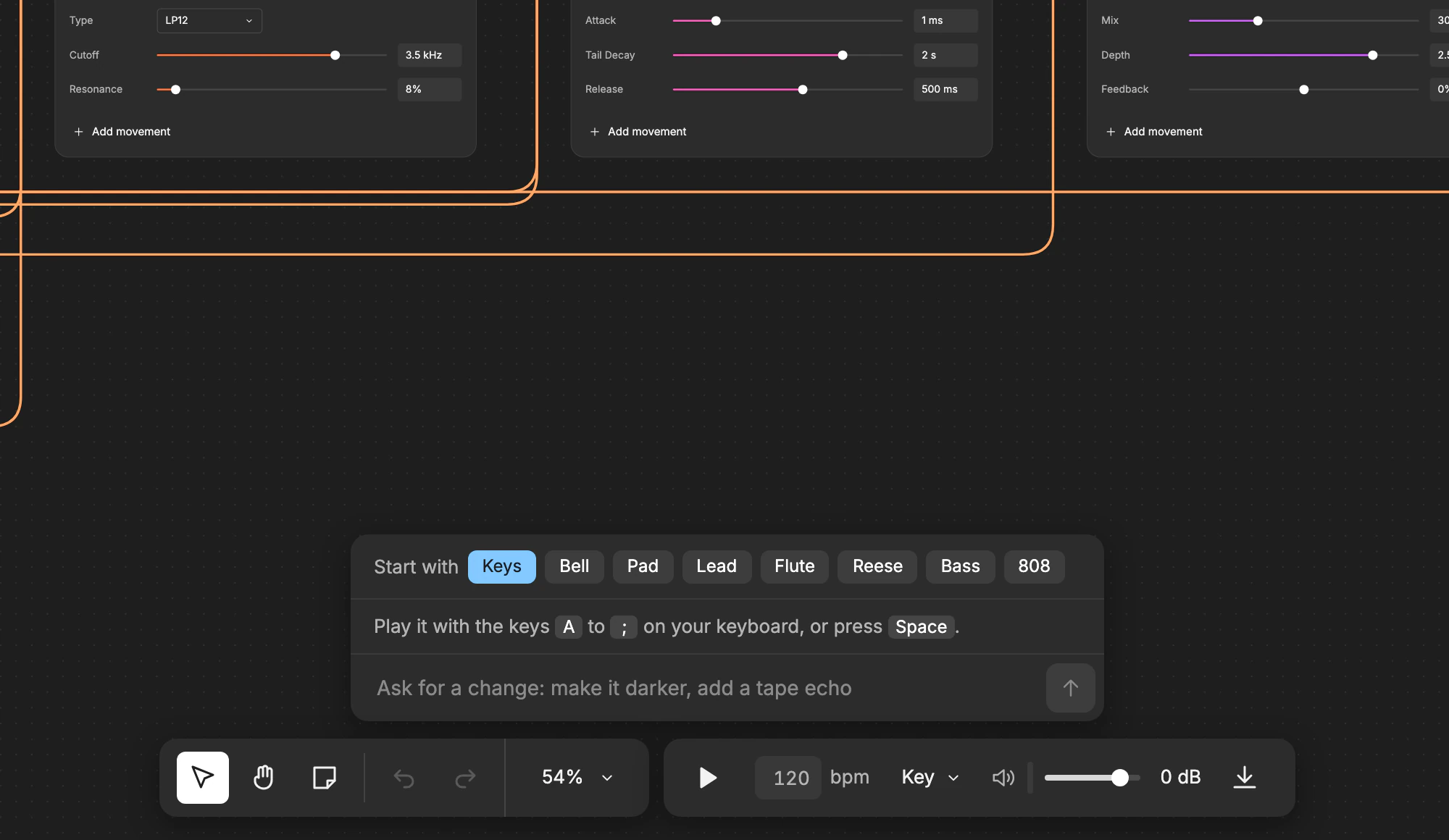
Say what you want to hear
Type it the way you would tell another producer, like “make me a supersaw synth for the drop”, and the AI builds it. Ask again for a change, like a darker filter or a slower attack.
The AI builds the sound you describe in your browser, and it plays in your DAW inside the Studio 56 plugin, the one download.
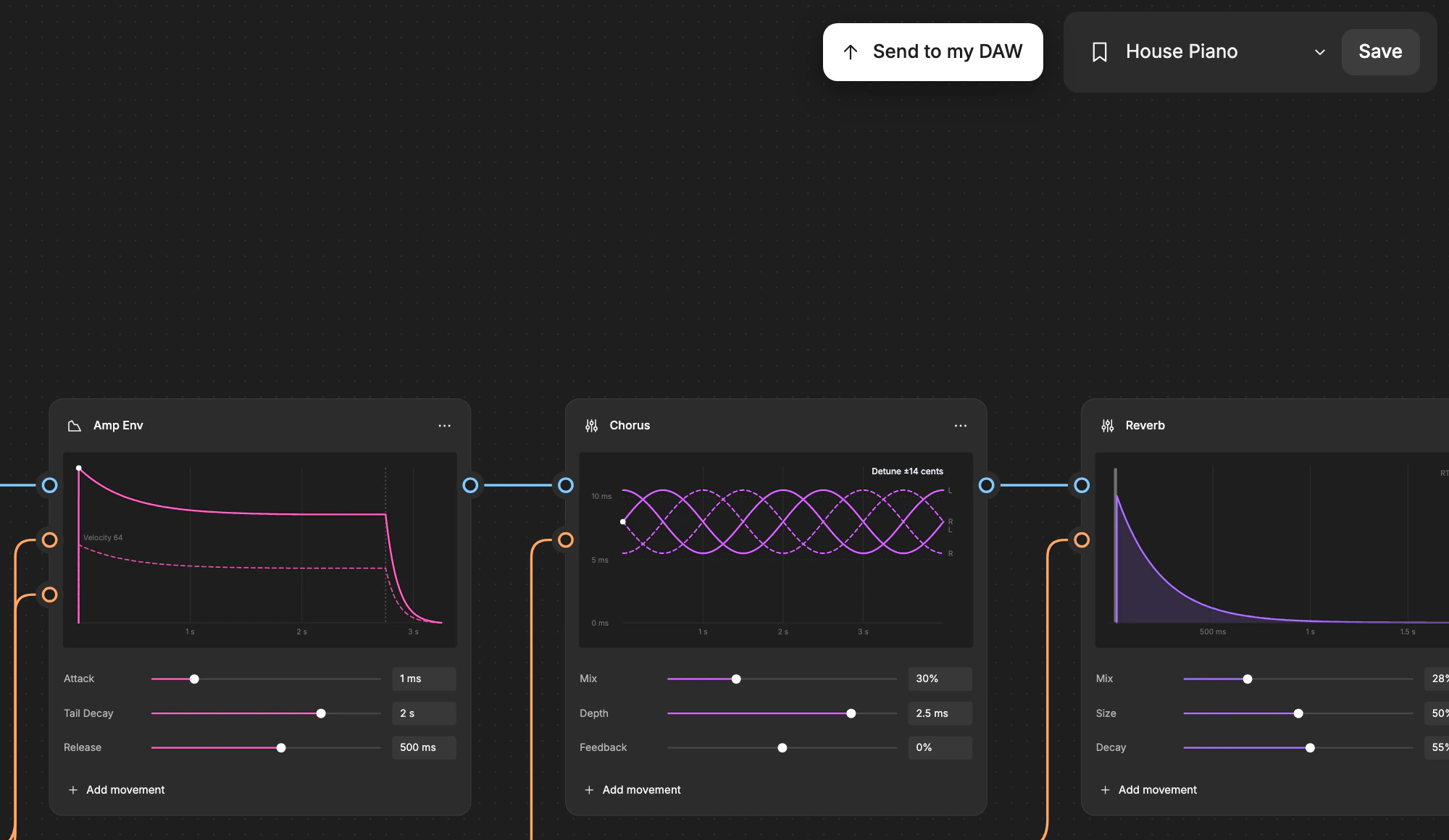
You make it in your browser, here on the site, and send it to your DAW when it sounds right.
Type it the way you would tell another producer, like “make me a supersaw synth for the drop”, and the AI builds it. Ask again for a change, like a darker filter or a slower attack.
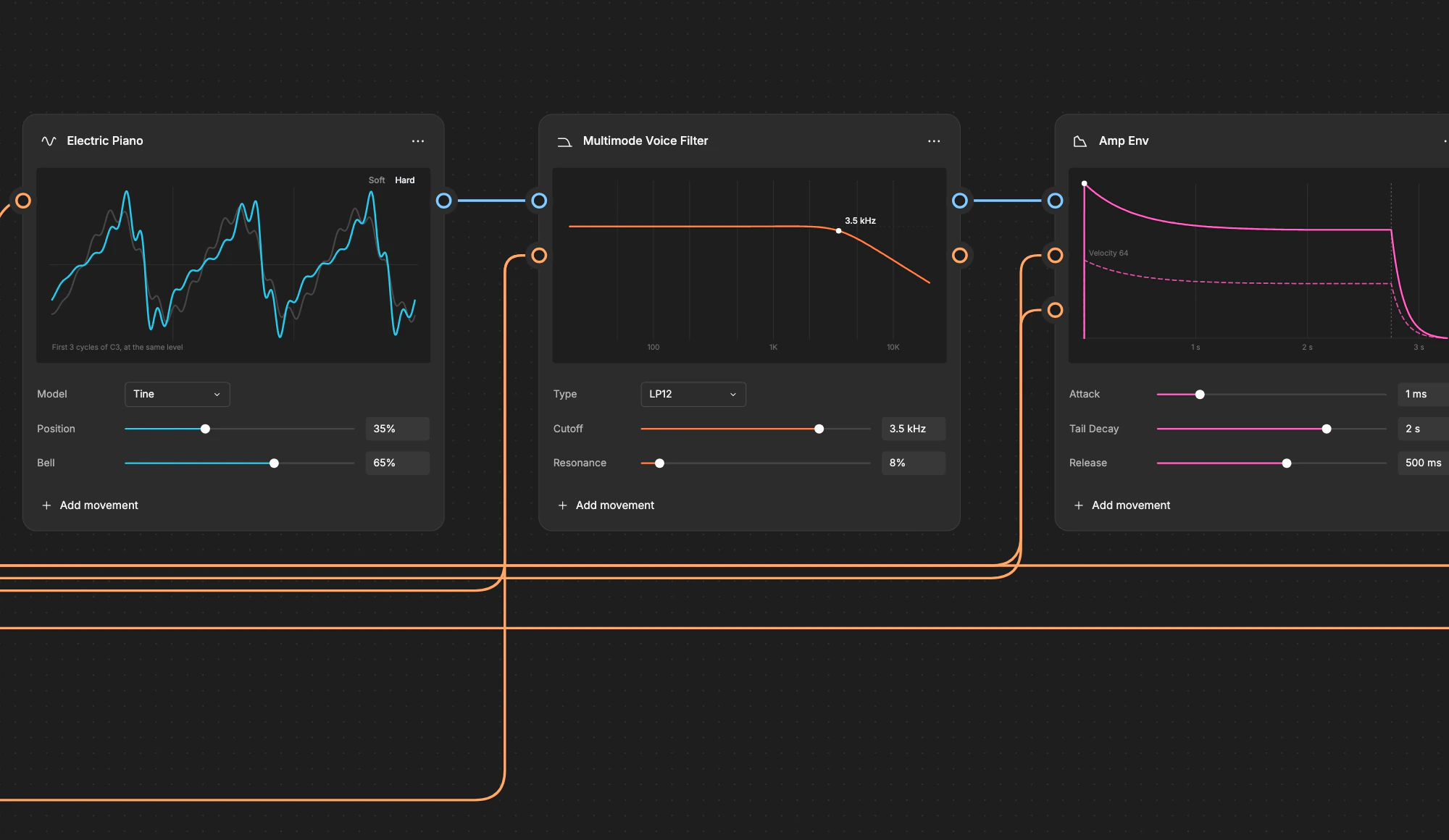
The AI picks blocks from a library of more than a hundred verified DSP blocks, then sets and wires them together instead of writing new code. Turn any knob yourself, or build a sound by hand from the start, free with no limit.
Installing, offline use and more are on the Support page.
No, the AI builds the sound and you make the music.
Your sounds play inside the Studio 56 plugin, a VST3 and AU that works in Ableton Live, Logic Pro, GarageBand, FL Studio and most other DAWs except Pro Tools.
Building sounds by hand is free with no limit, and your first 3 asks to the AI and your first 3 sends to your DAW are free. Pro is $10 a month: the AI builds about 70 sounds a month, and you can send as many as you want to your DAW.
You go back to the Free plan. Everything you made stays in your library and keeps playing, and you can keep building sounds by hand.
Yes, you can use your sounds in songs, videos, live shows and commercial releases. The one thing you can’t do is sell the sounds themselves.
Sounds of every kind, from basses and pads to keys and leads. You can keep changing a sound after the AI builds it, or build one by hand from the start. It can’t clone voices or split a song into stems.
The AI picks blocks from a library of more than a hundred verified DSP blocks, then sets and wires them together instead of writing new code for each sound.
You can play offline because your sounds are saved on your computer, but making a new one needs a connection.
Just me. Say hi or ask questions at oliver@studio56.ai.